The problem
A guideline can define the right answer and still leave each teammate to rebuild it. EO's rebrand needed to move through profile images, banners, editorial graphics, motion, and local teams. If every request returned to a designer for a small export, the guide would become a bottleneck. If every control were open, the identity would drift.
The product goal I set for Glyph is direct: anyone at EO should be able to apply the rebrand easily and correctly. That is a design constraint, not a measured adoption claim.
The call
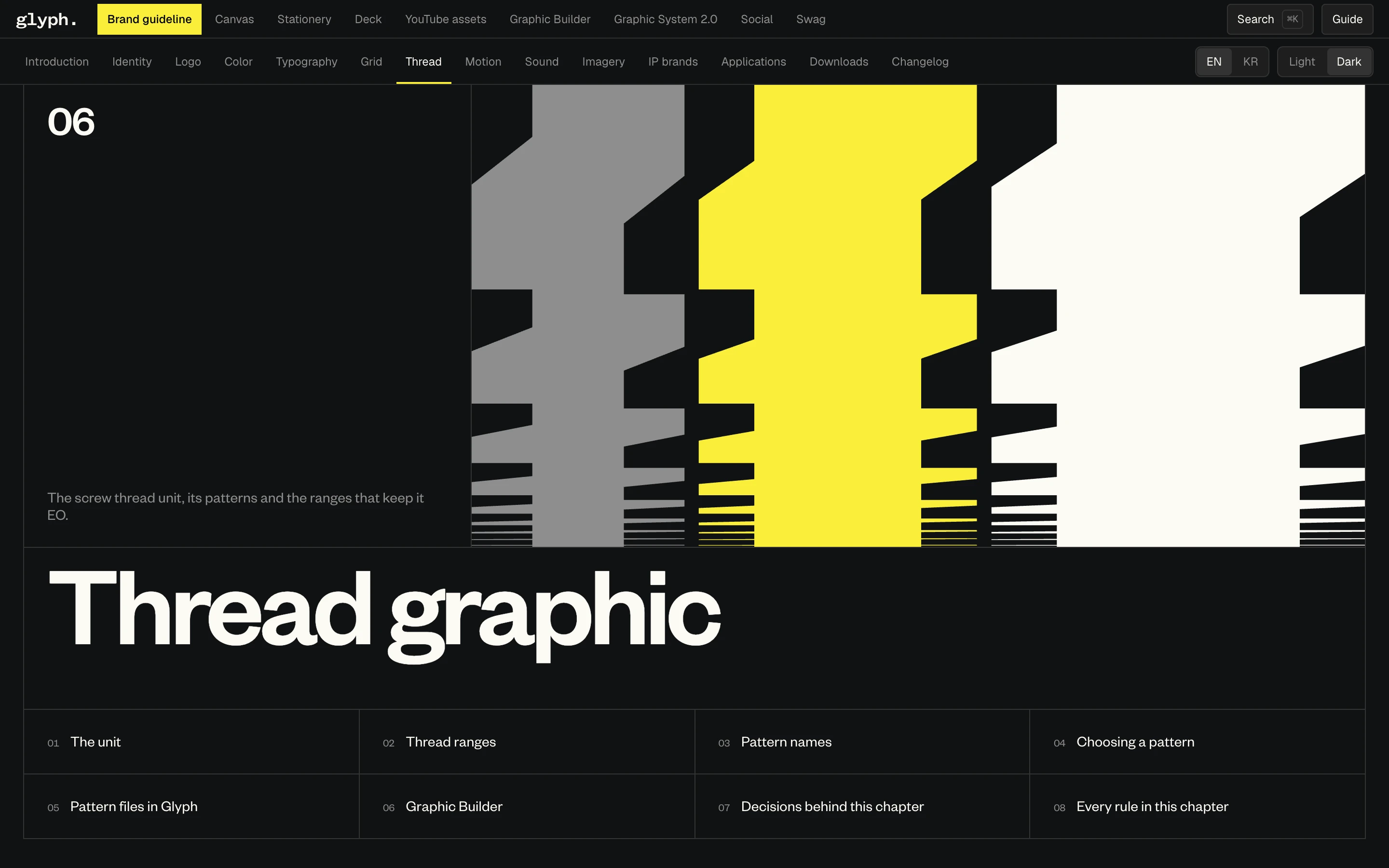
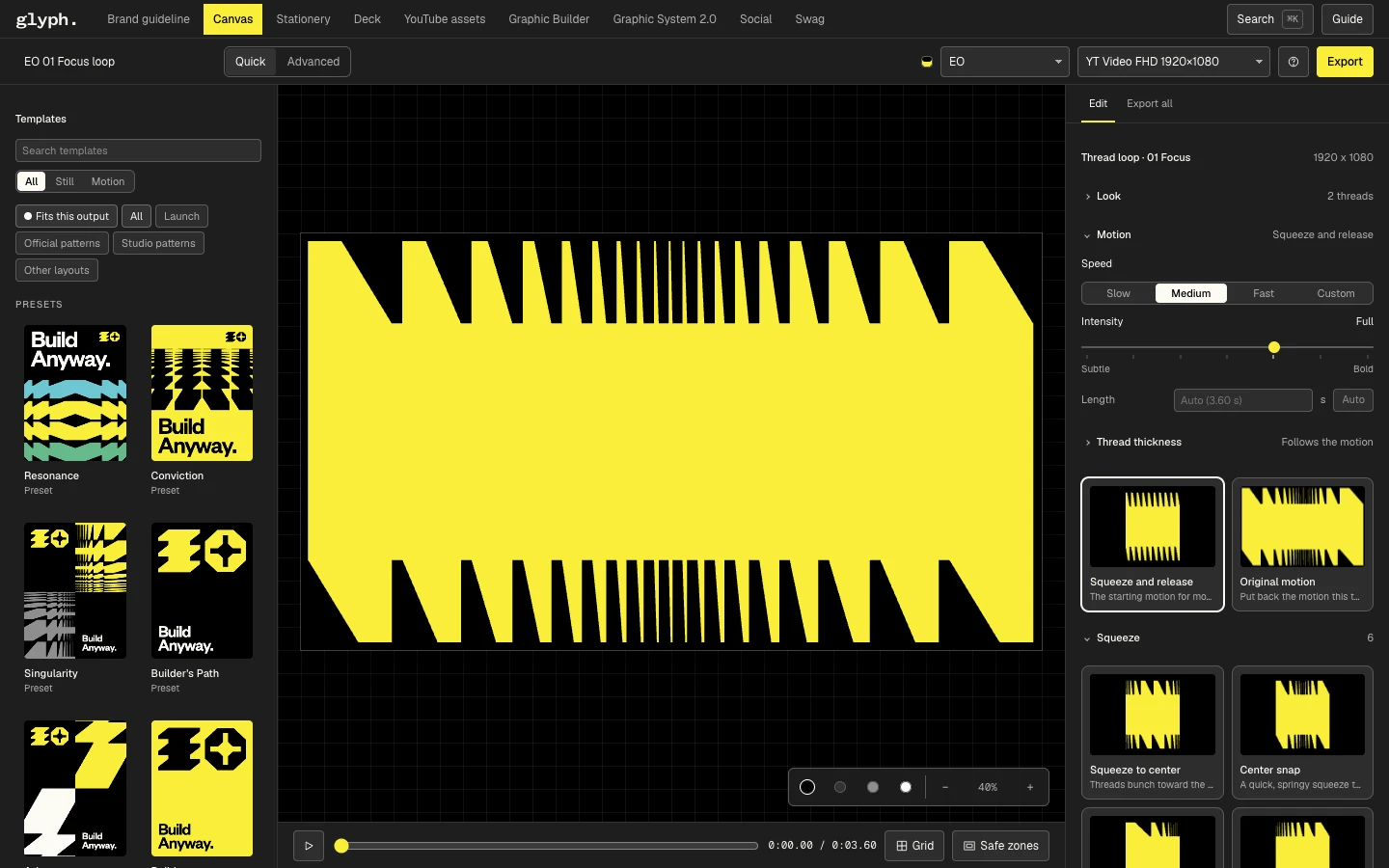
I put the guidance and creation surfaces next to each other. The guideline is the home; assets are findable; Canvas offers approved choices for everyday production. Quick uses plain words and few options. Advanced contains the technical controls a designer needs. A first-time user can begin from a safe default, while deliberate exceptions are visible and reversible.
There is a real boundary in the architecture. The original EO Graphic Builder was made by Taeil Kim / DiceAndFly.Studio and appears as its own advanced surface. Glyph's curated Canvas and broader product flow are a separate build. Calling the whole thing a solo invention would erase that source.
The system
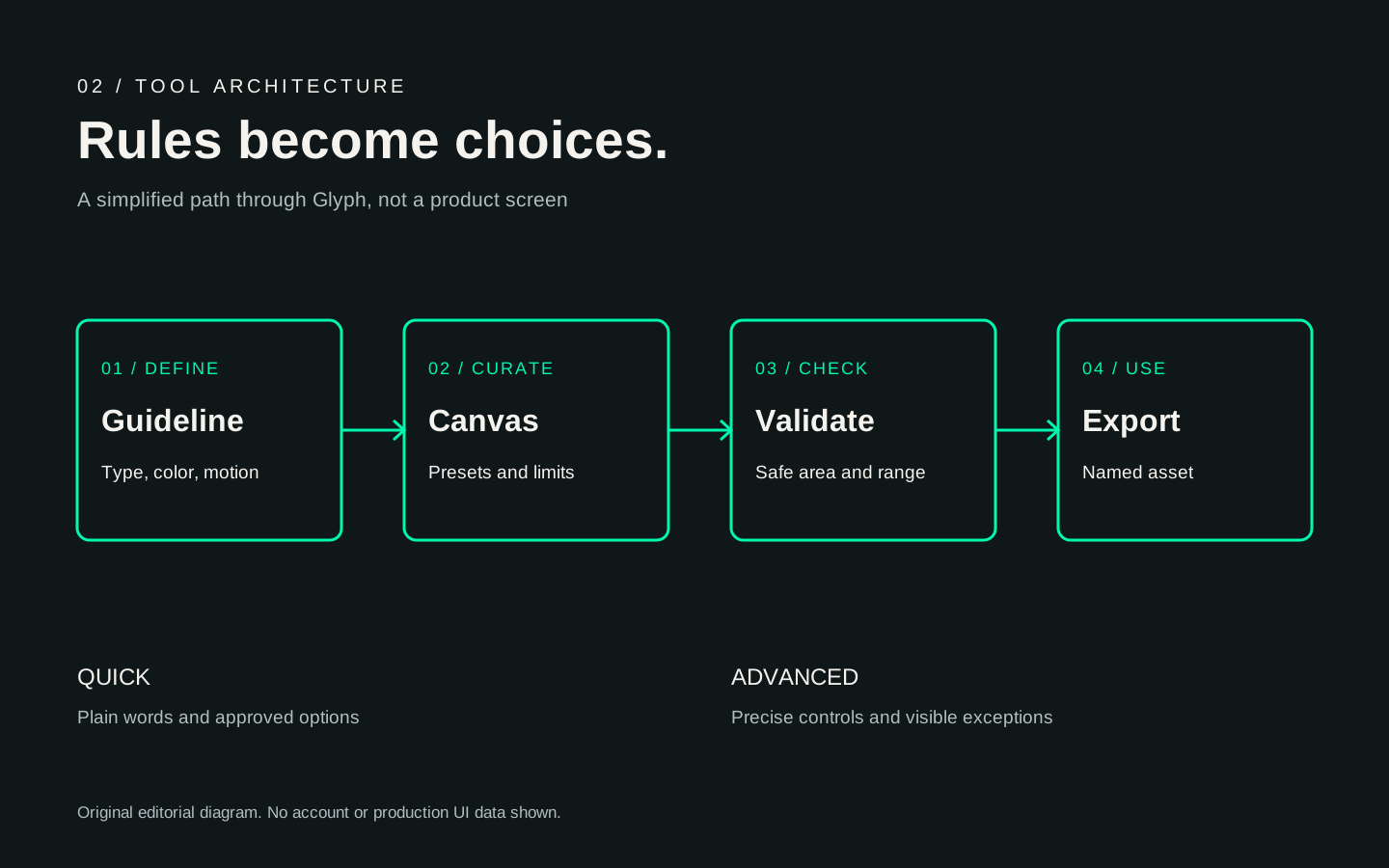
- 01Find a guideline or asset
- 02Choose an approved preset
- 03Edit allowed controls
- 04Check limits and safe areas
- 05Export a named file
The rule-to-control translation is the central design work. A motion guideline becomes a few named speeds and durations in Quick mode, with precise curves in Advanced. A visual pattern becomes a designer-authored set of shapes and compression ranges. The starting preset is already valid. If someone intentionally moves beyond a limit, Glyph labels the exception and offers a way back. Search and consistent export names help people locate and reuse the work later.
The YouTube channel tools illustrate this in concrete terms: profile and banner formats carry their real dimensions and safe zones, the editor shows those zones, and an export uses a format-specific filename. A valid image is more than a file with the right colors; it must survive the platform crop.
A small exploration of how one form can carry different weights and colors. The palette is conceptual, not a live Glyph setting.
The interactive module above is a portfolio concept demo of choosing a pattern, palette, and compression. It is not the live Glyph account, a full exporter, or proof that every production template behaves the same way.
In the world
Earlier request path
Request a designer, wait for a file, review, and ask for another export
Glyph's intended self-serve path
Choose an approved preset, edit permitted options, check the result, and export
This before-and-after compares workflow steps, not elapsed time. The local source confirms an implemented guideline home, Canvas tools, channel formats, and the original advanced builder surface. The screens and clip above show the current development interface in a fresh local session. The architecture diagram and interactive study are separate editorial representations; they are not recordings of the product.
Outcome
Glyph makes brand decisions available as product defaults, presets, warnings, and exports. The purpose and local implementation are concrete. Usage and cycle-time claims require logs and a defined reporting window.
[[METRIC: monthly active teammates]] [[METRIC: exports by non-designers]] [[METRIC: approval cycle reduction]]What I'd tell another designer
A rule becomes useful when the right action is the easiest action. Decide the safe range first, then design the control.