Skip to content

← Work

2021UX/UI

SAMSUNG TV Multi View

Samsung TV's Multi View interface reimagined through survey, eye-tracking and prototyping.
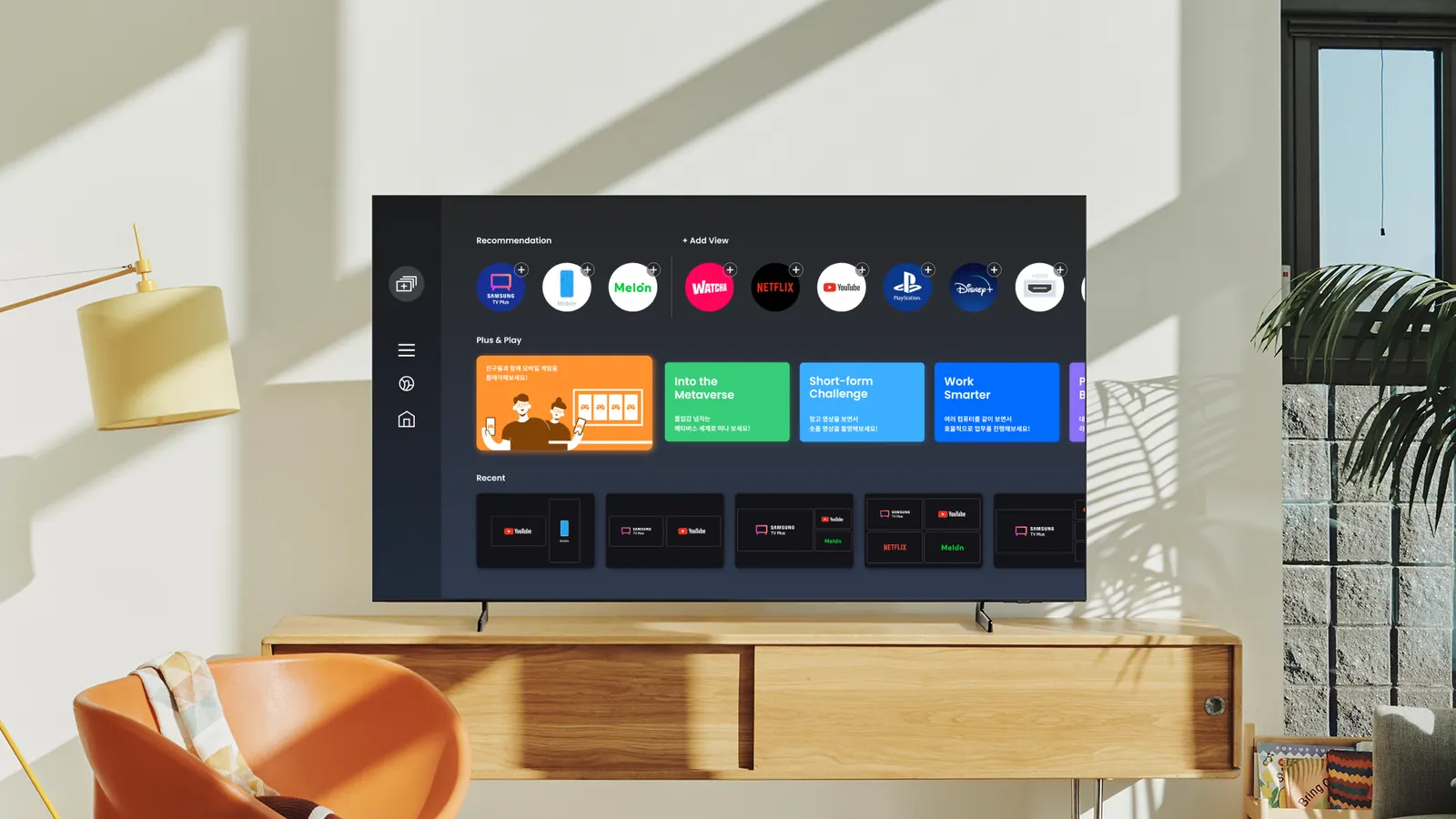
Samsung TV Multi View UX main visual
Context
Industry-university UX project with Samsung Electronics
Timeline
2021.05-12
Role
Project lead, UX/UI, prototype, eye-tracking researcher
Tools
Figma, ProtoPie, Tobii Eye Tracker

Background

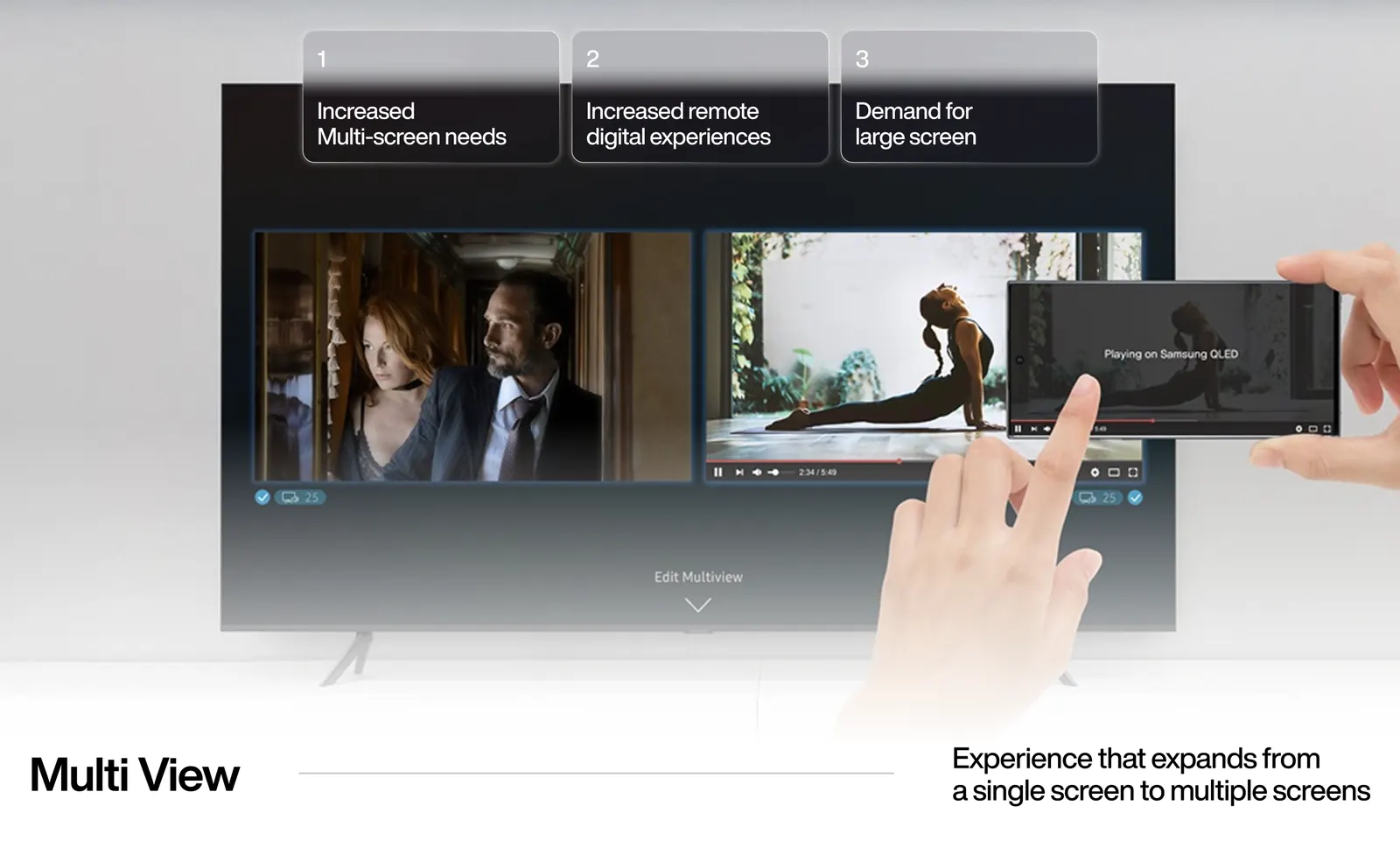
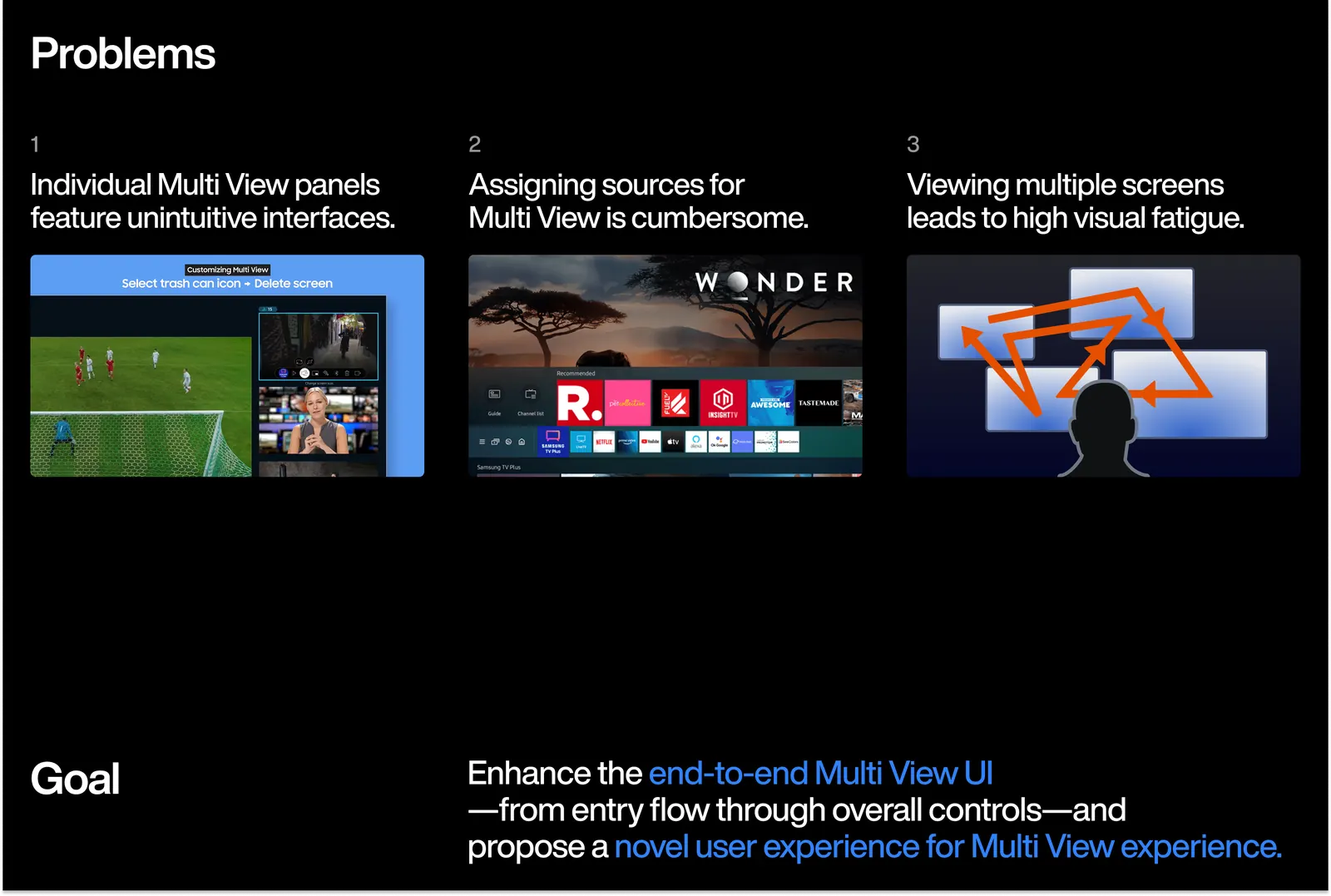
Multi View lets a large Samsung TV play more than one thing at once. The feature worked; the interface did not. Panels were unintuitive, sources were hard to assign, and watching several screens at once was tiring.
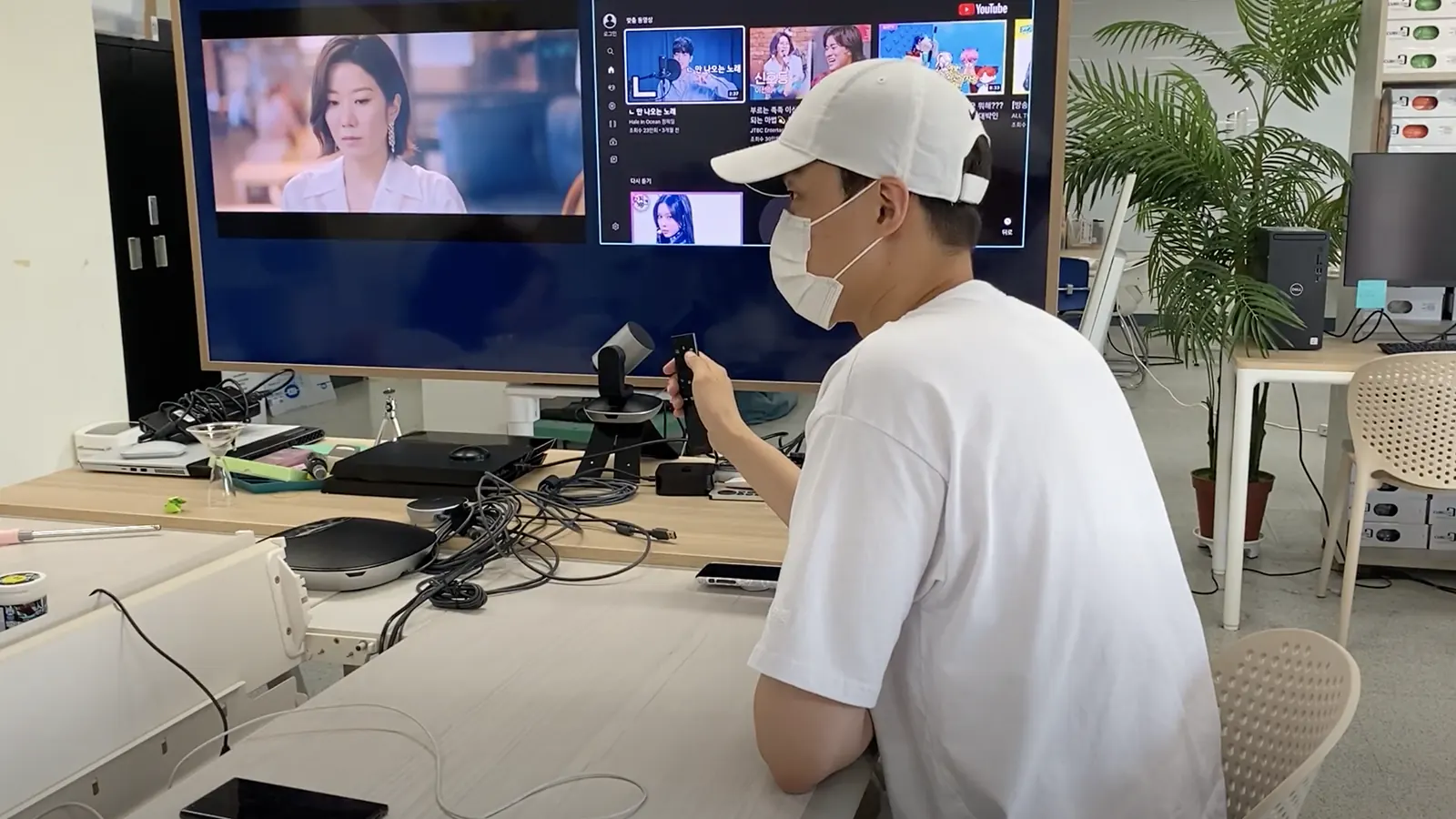
UI prototype, built in ProtoPie against a real remote
Multi View project framing
Multi View research plan overview

Research

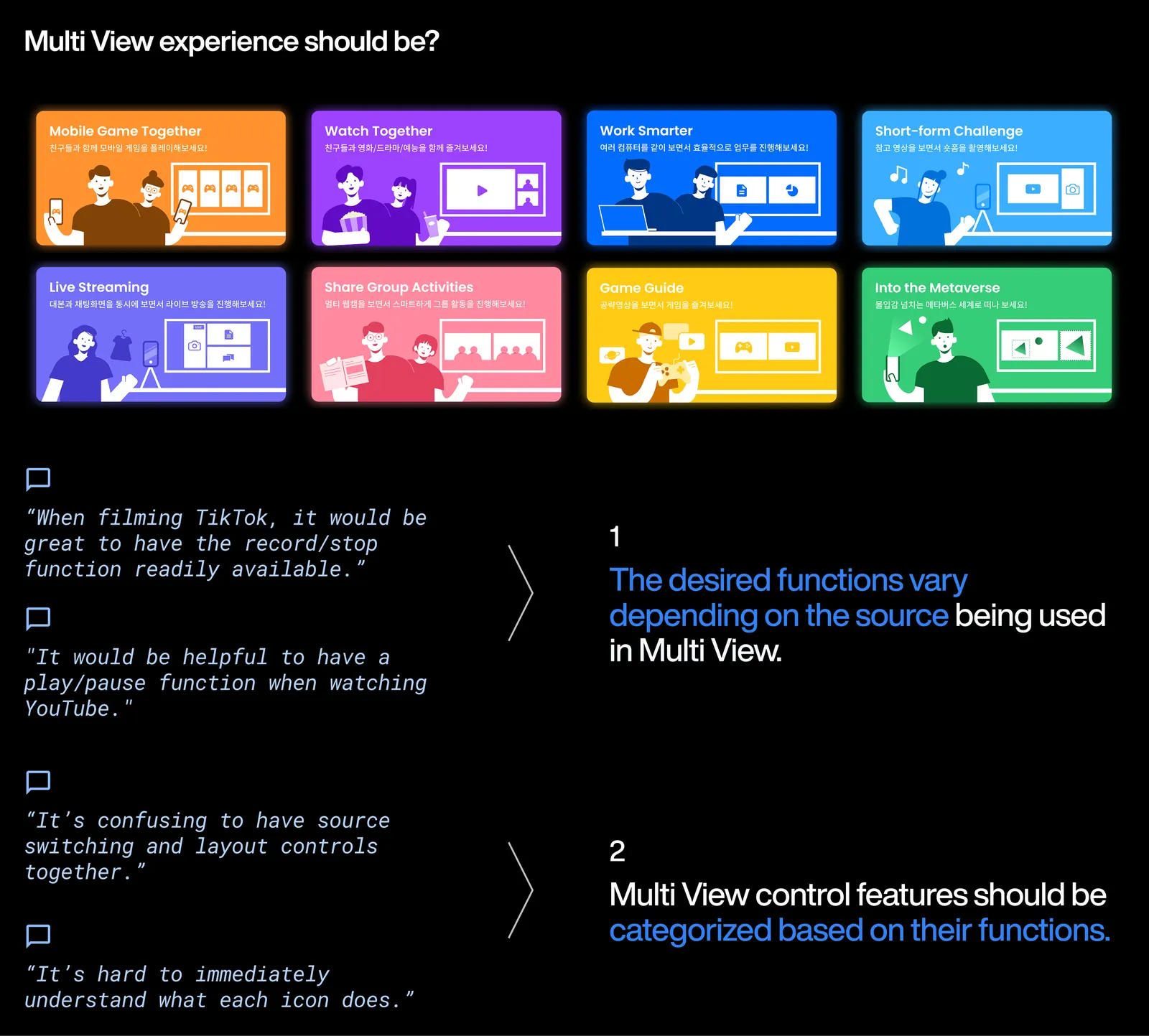
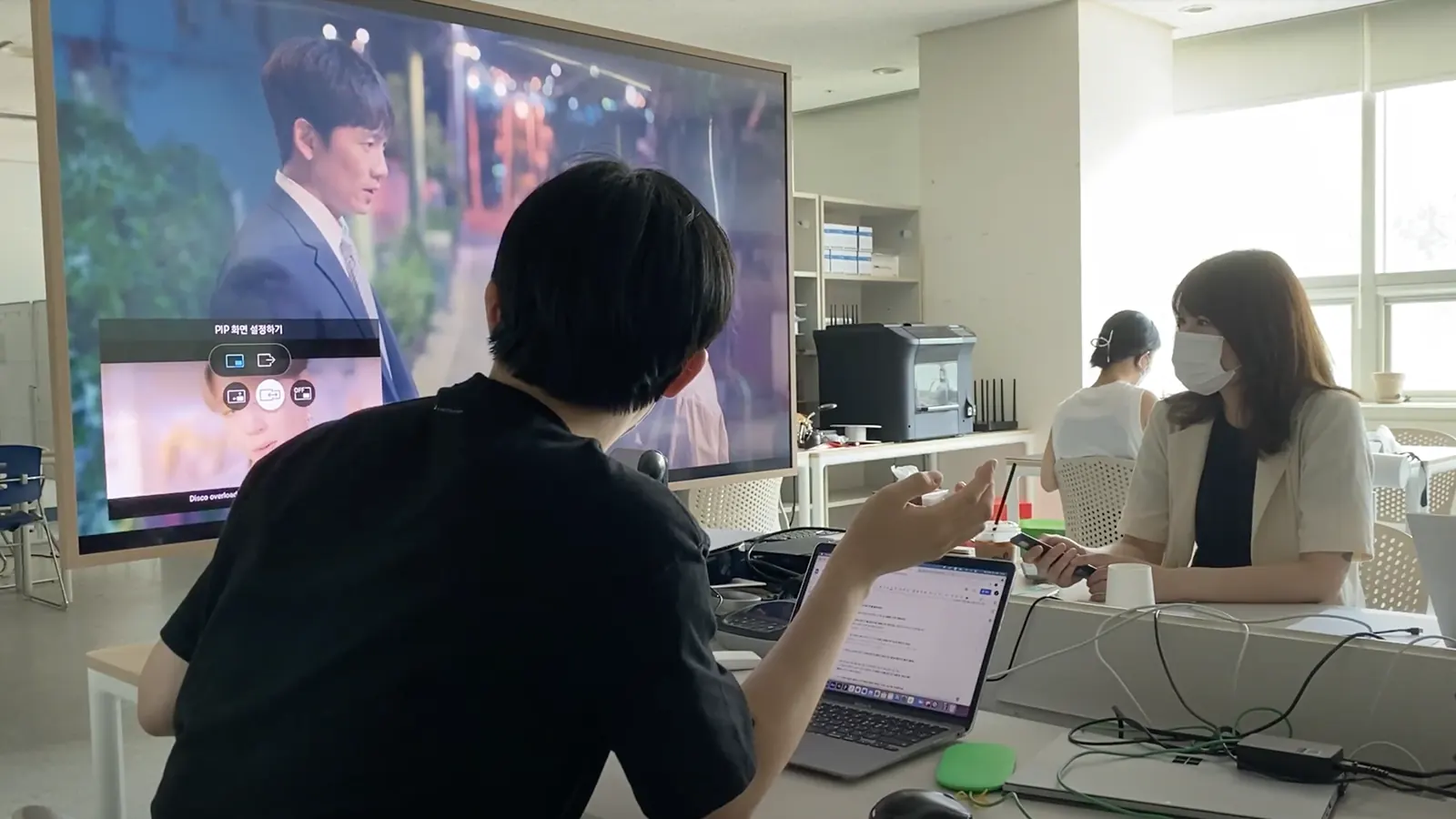
We surveyed 903 people, then ran a concept value test on eight scenarios. What people want changes with the source.
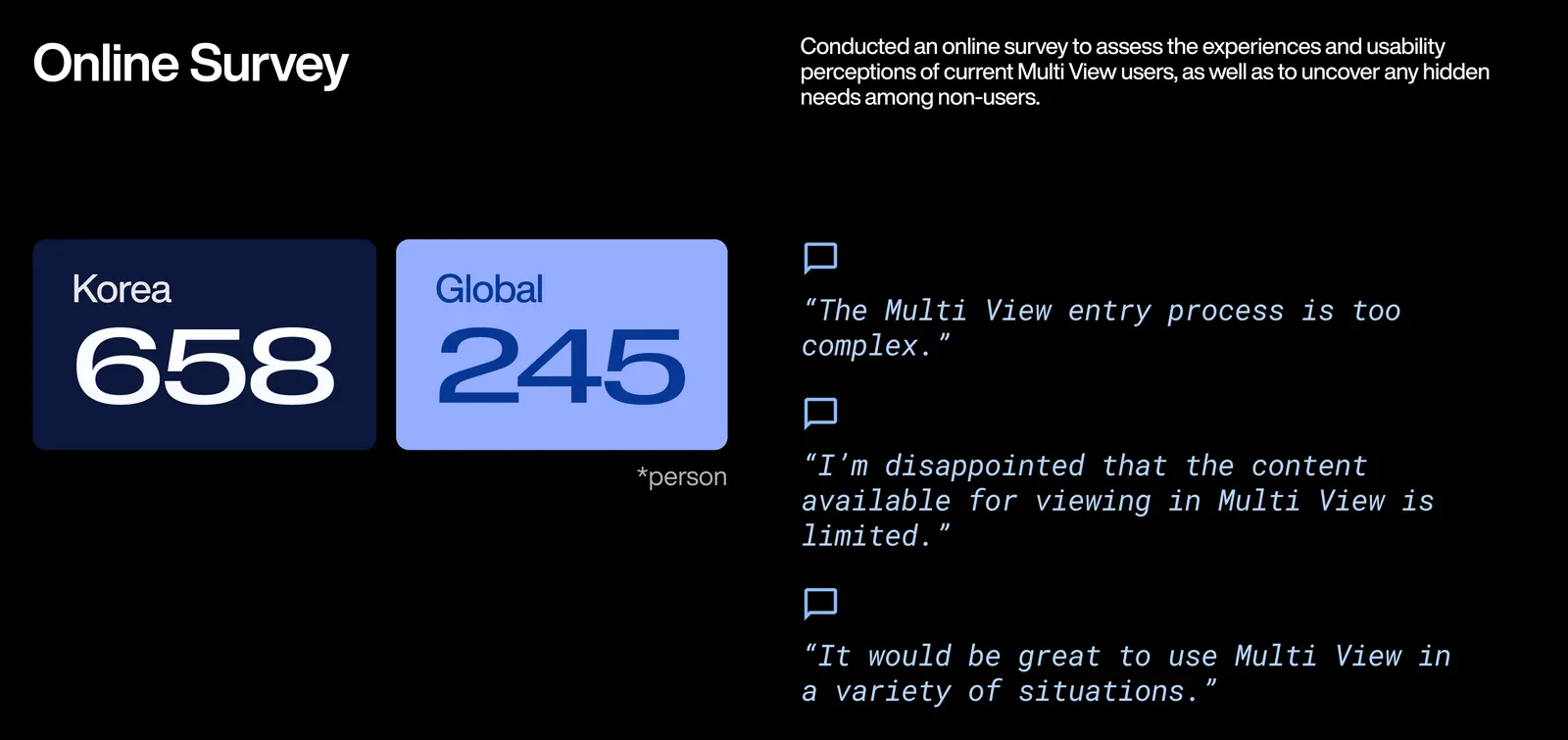
Survey findings on Multi View usage
Concept value test session: participants working through a scenario
Concept value test session, second scenario in progress
Concept value test results
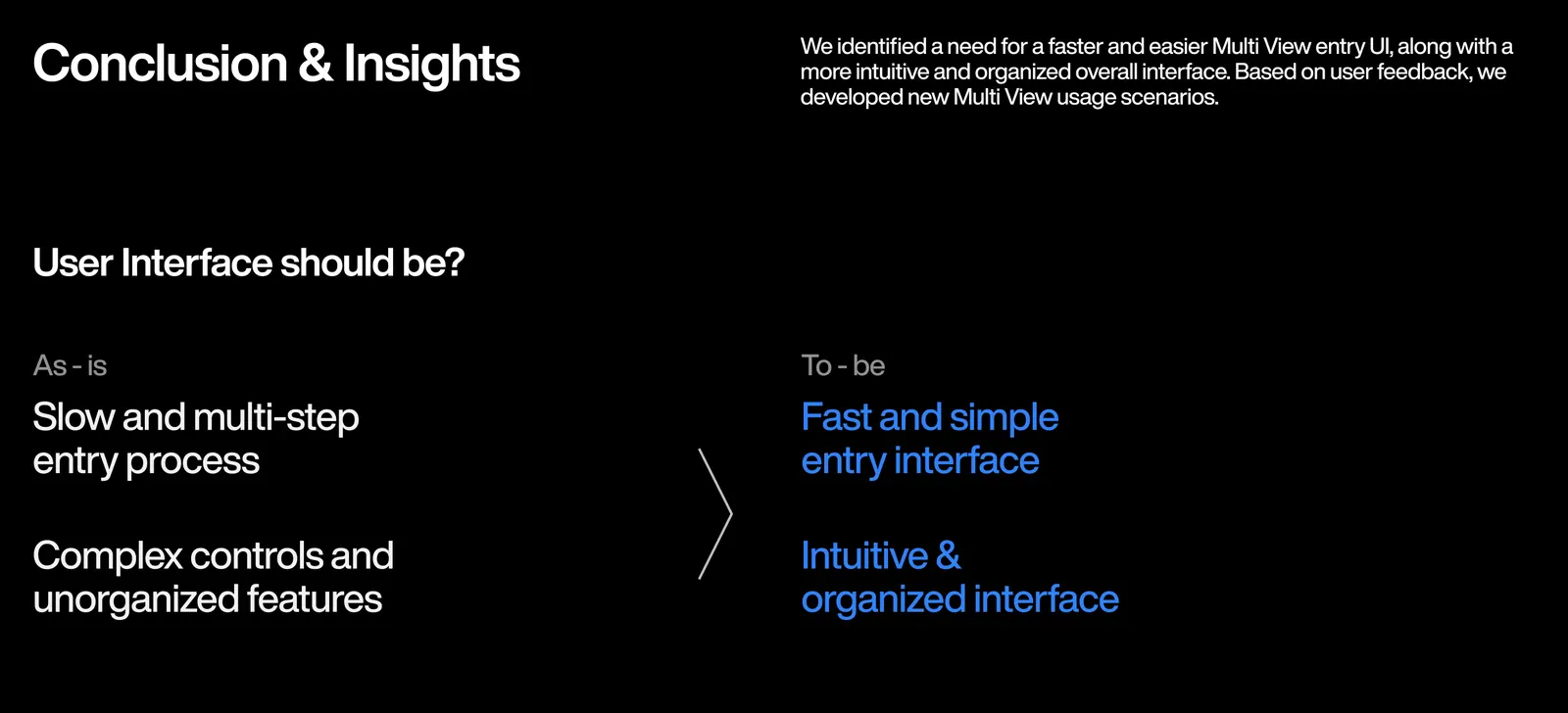
Phase 1 insights summary

Eye-tracking

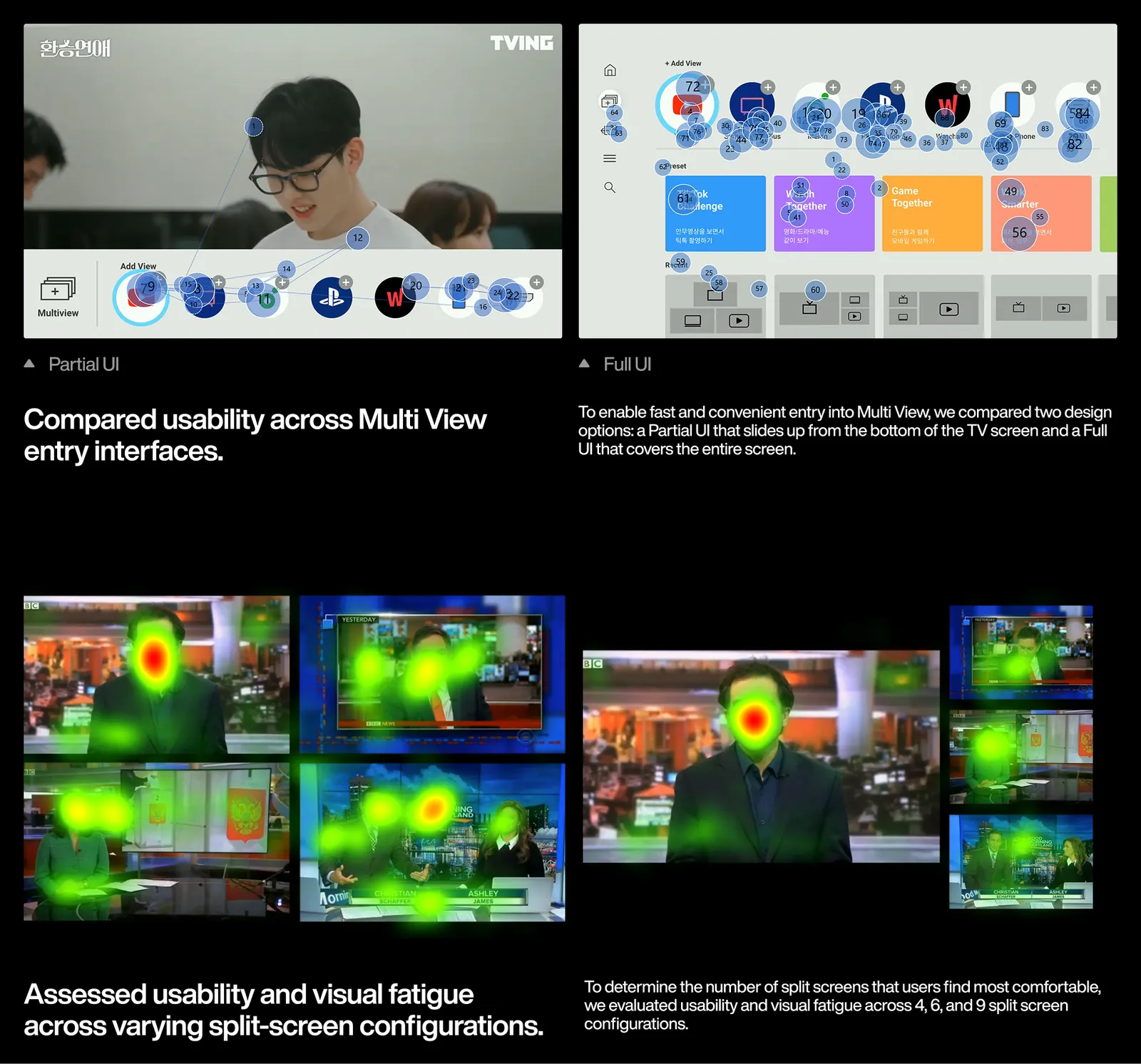
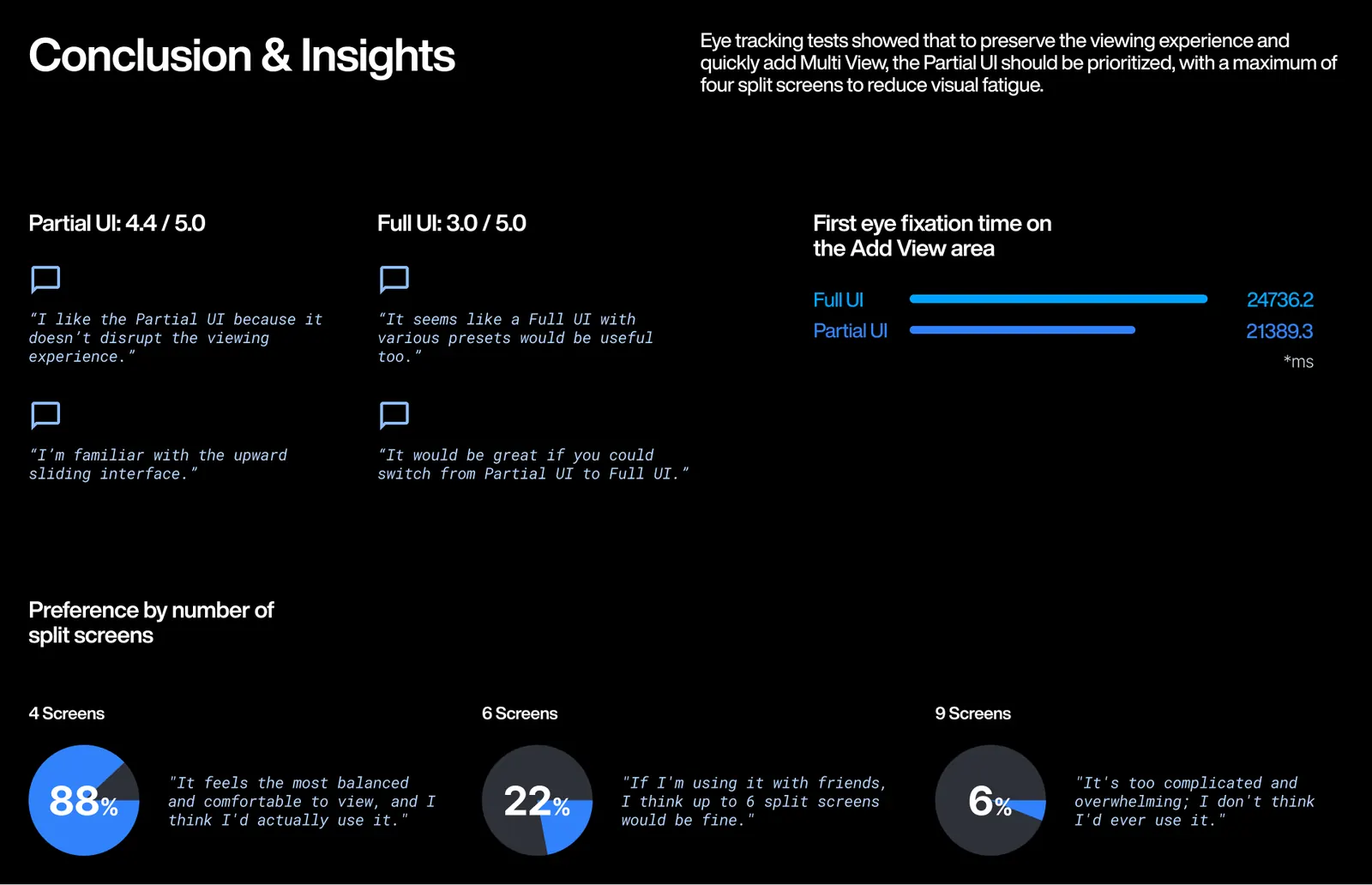
A Partial UI over the picture beat a full-screen one, 4.4 to 3.0, and 88% preferred a cap of four splits.
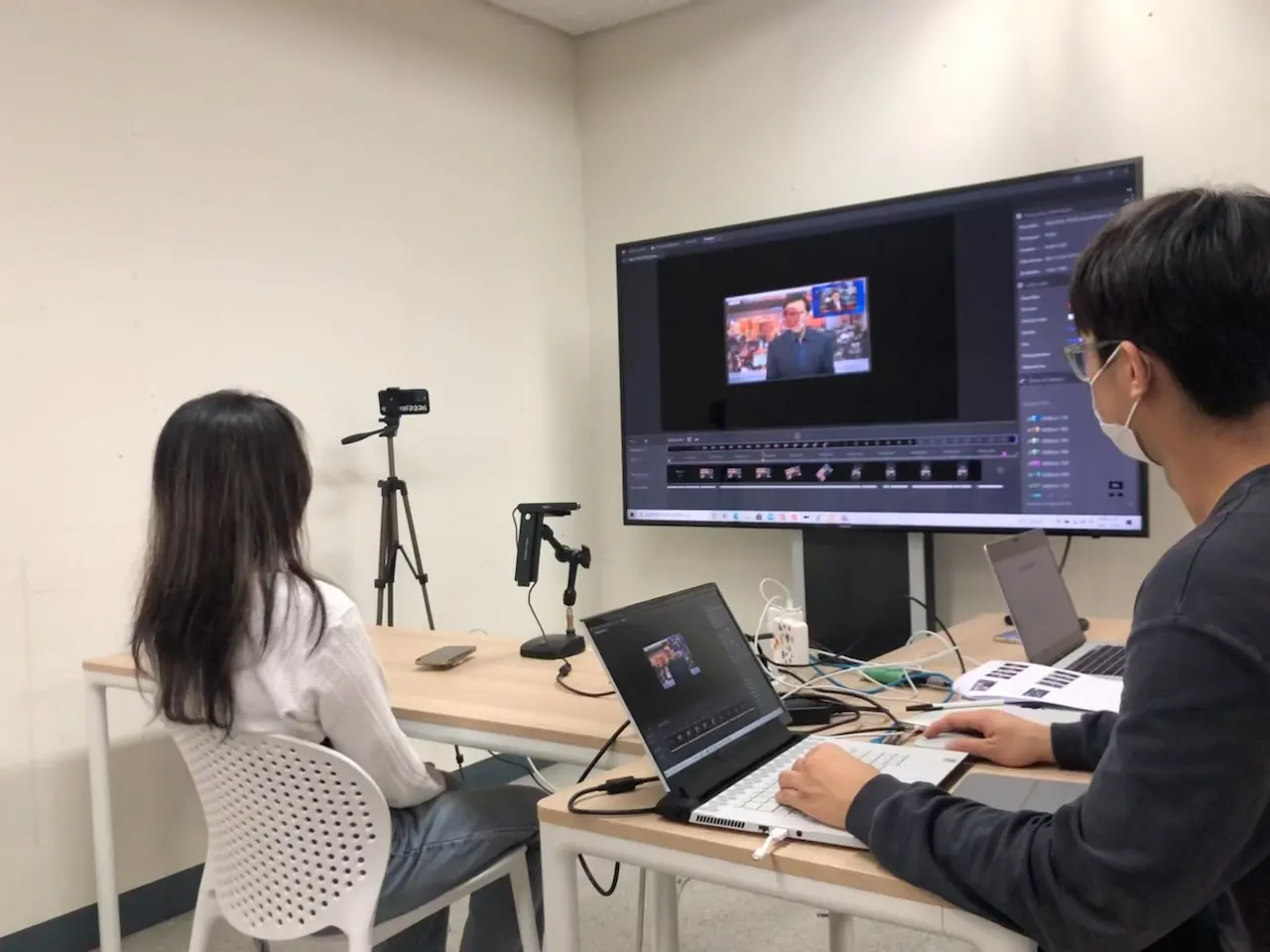
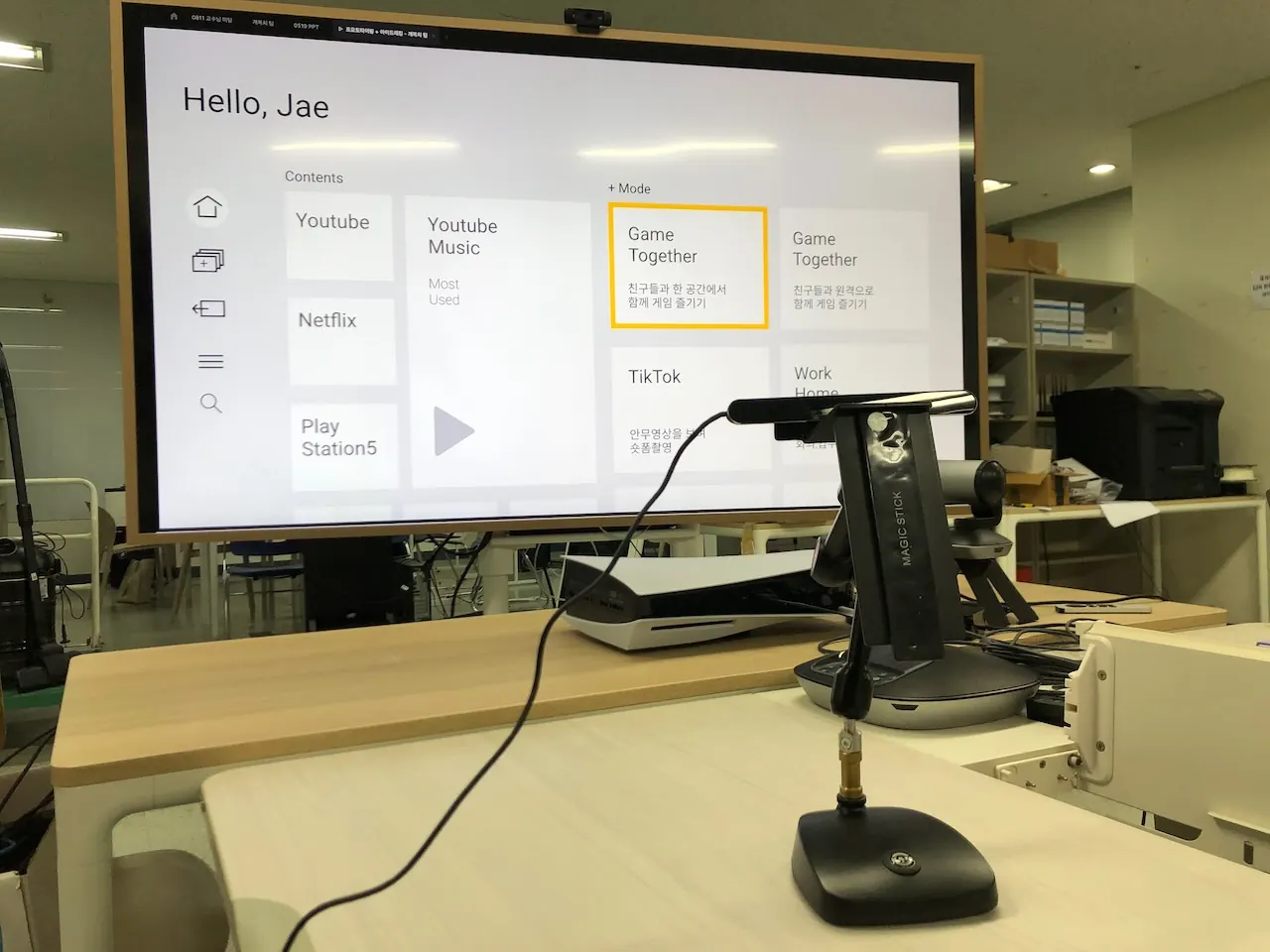
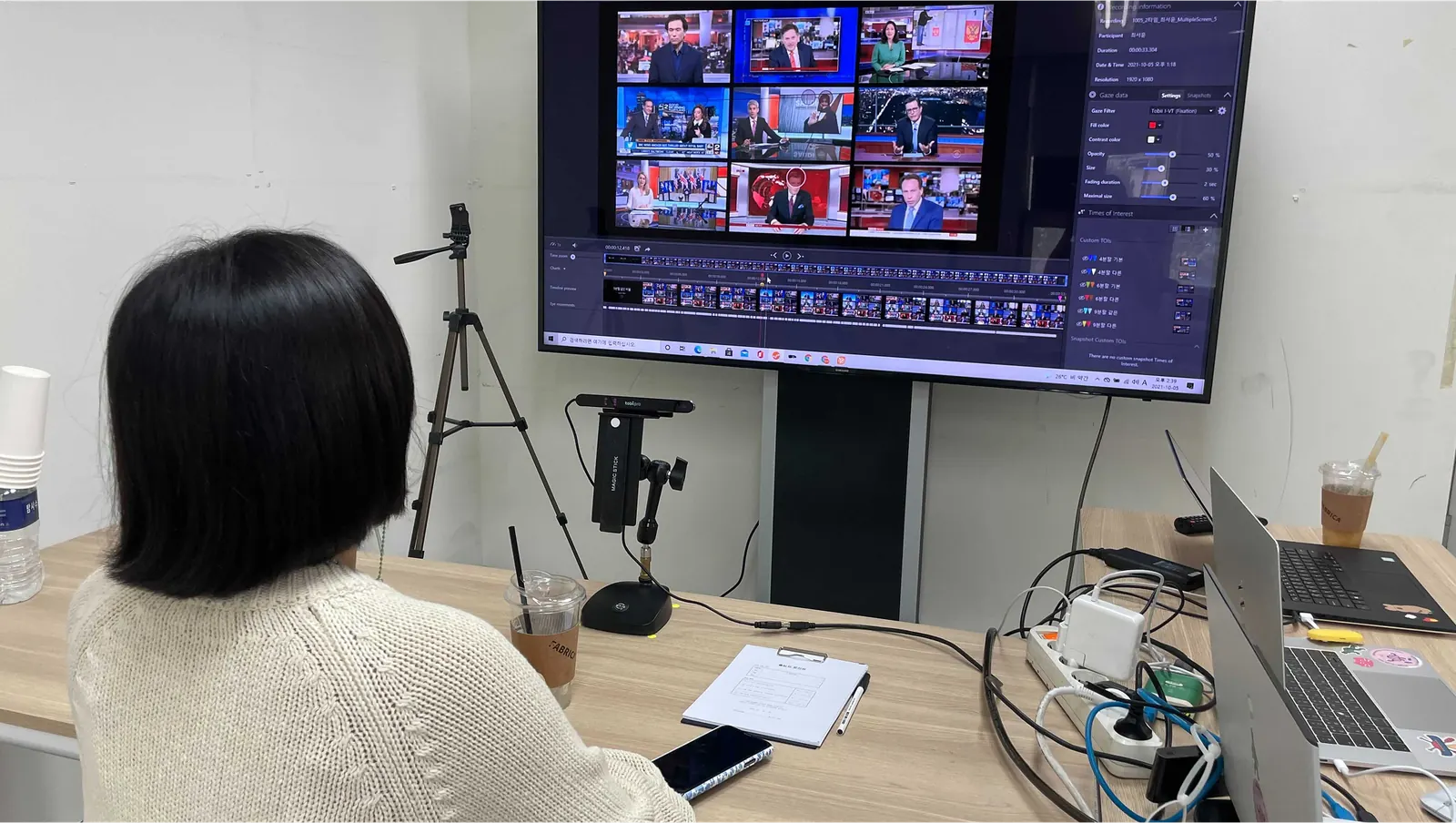
Eye-tracking test session with the Tobii tracker
Lo-fi prototype for eye tracking UT
Participant during the eye-tracking usability test
A participant in front of the TV during the Tobii eye-tracking session
Gaze plot video from the eye-tracking test
Gaze plots comparing Partial and Full UI entry, and heatmaps across 4, 6 and 9 split screens
Conclusions: Partial UI 4.4 of 5 against Full UI 3.0, first fixation times, and 88% preferring four splits

What I made

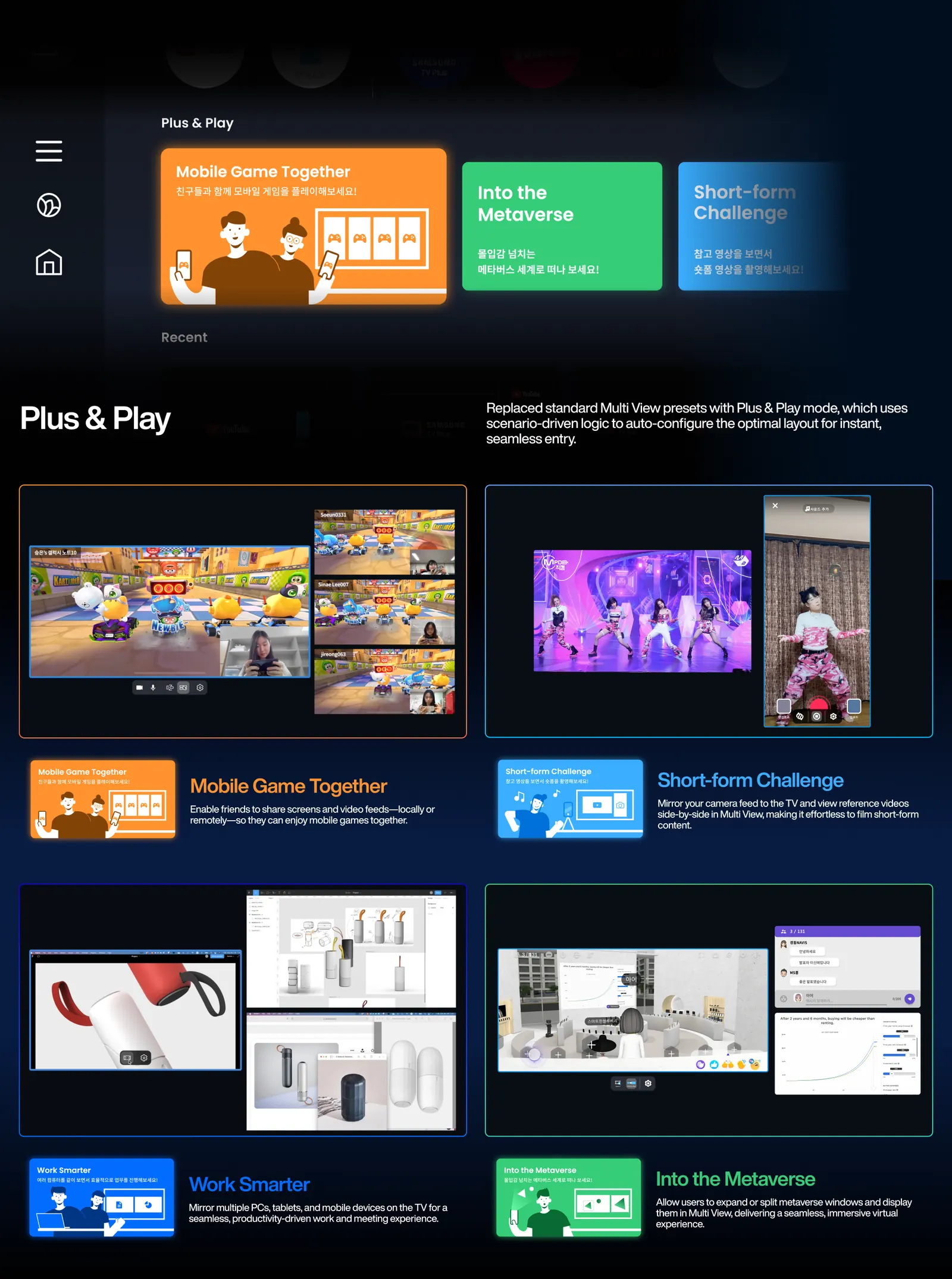
Multi View raises the Partial UI; pressing down expands it to Full. The eight scenarios became Plus & Play: pick one and layout, sources and panels follow.
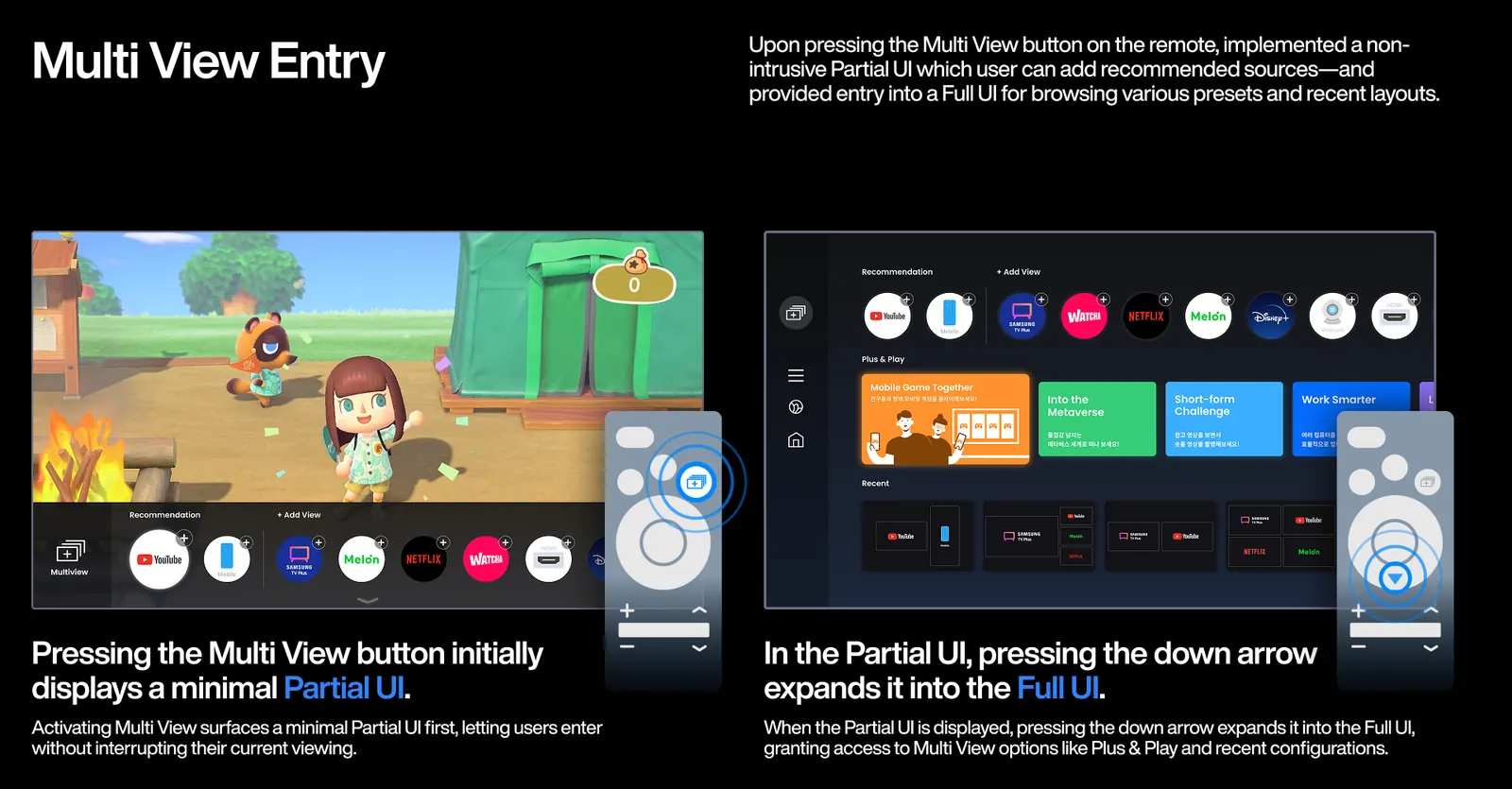
Multi View entry: the minimal Partial UI, and pressing down to expand it into the Full UI
Redesigned Multi View interaction prototype
Plus & Play: scenario cards that auto-configure the Multi View layout, with four scenarios shown in use

Contextual UI

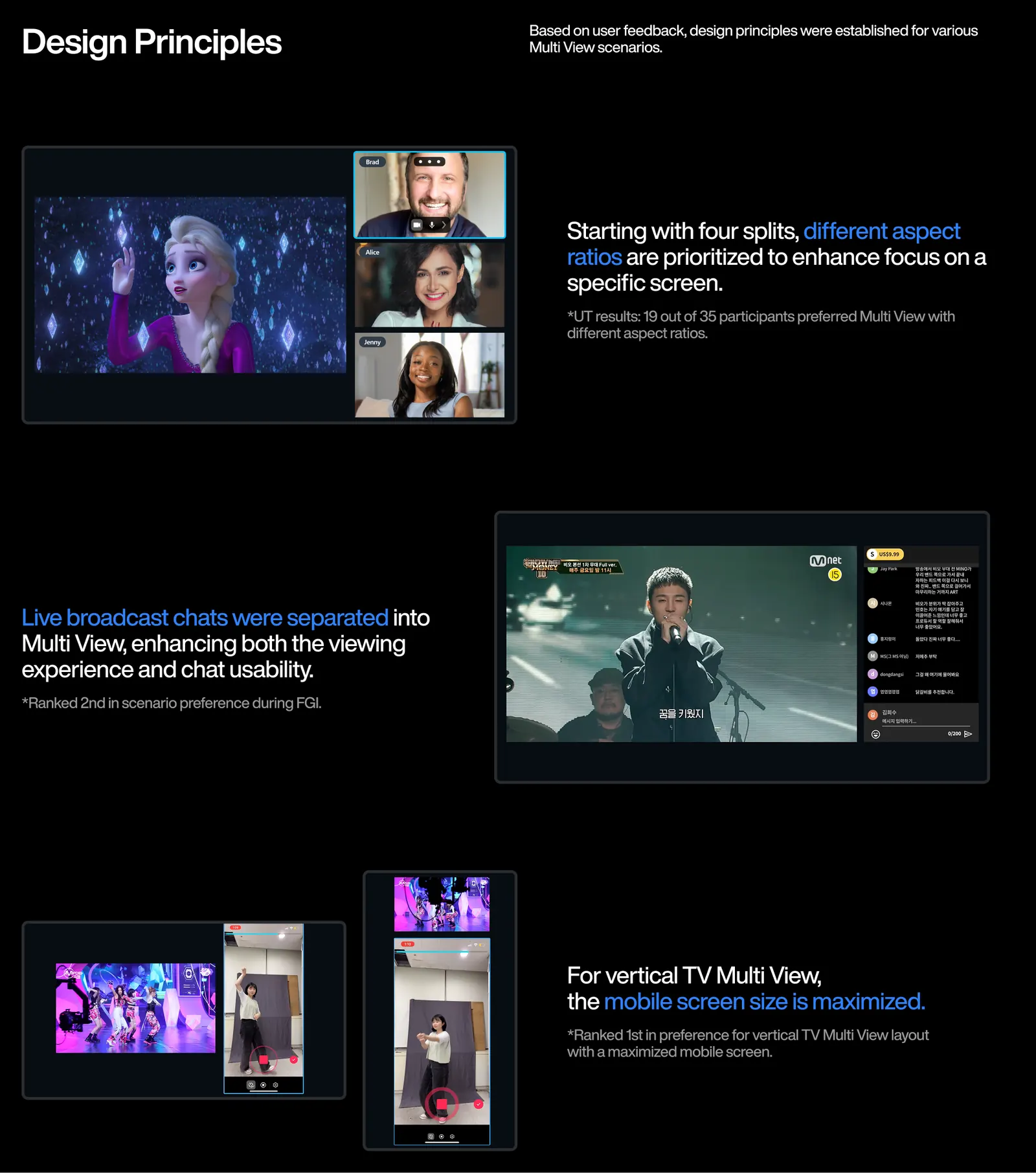
What is true of every source goes to Common Control; the rest is Media or Layout Control. Unequal aspect ratios beat a uniform grid so one screen can lead.
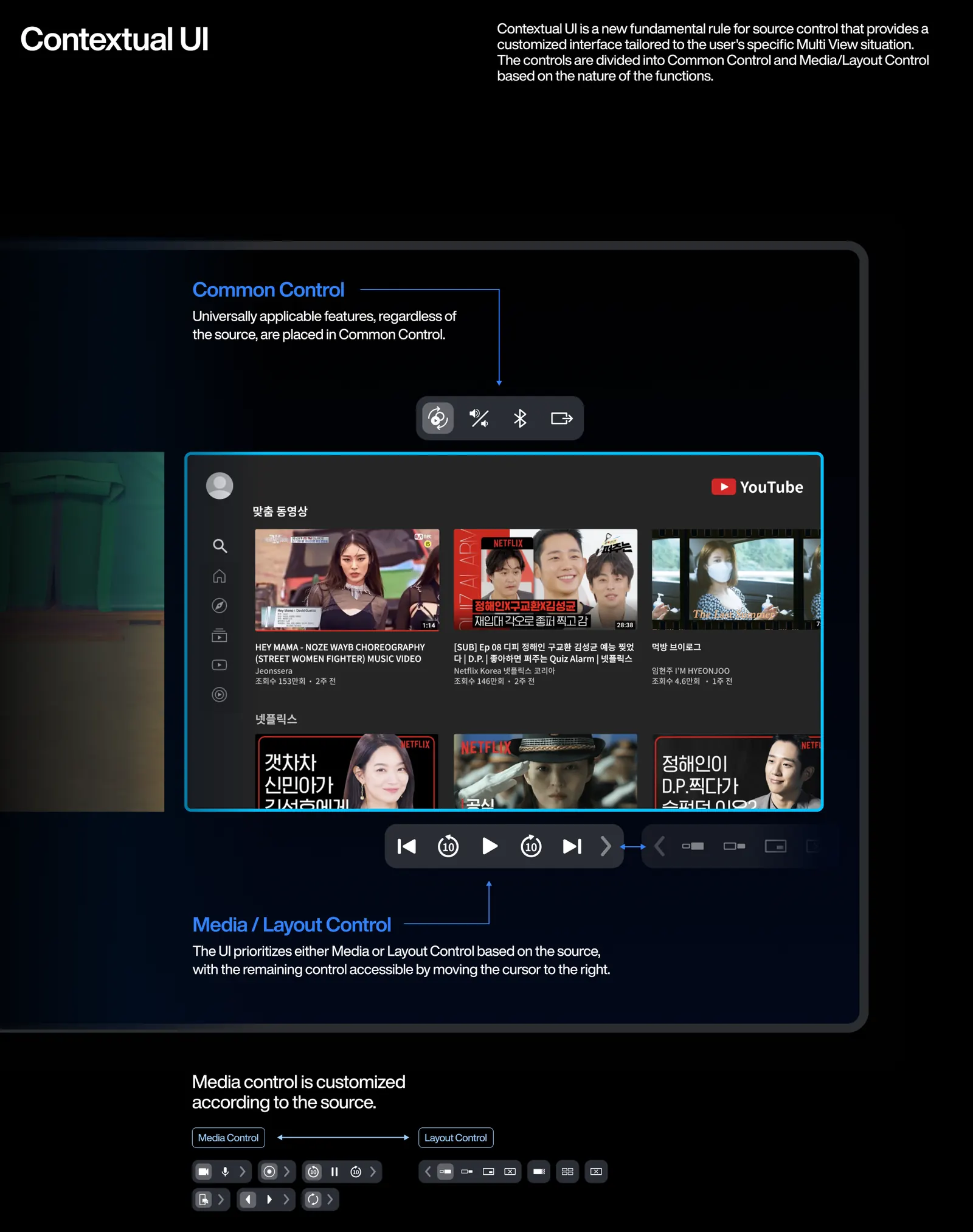
Contextual UI: Common Control separated from Media and Layout Control, which change with the source
Design principles: unequal aspect ratios, live chat split into its own panel, and mobile maximised on vertical TV

Outcome

I led our team's side of the project with Samsung Electronics.
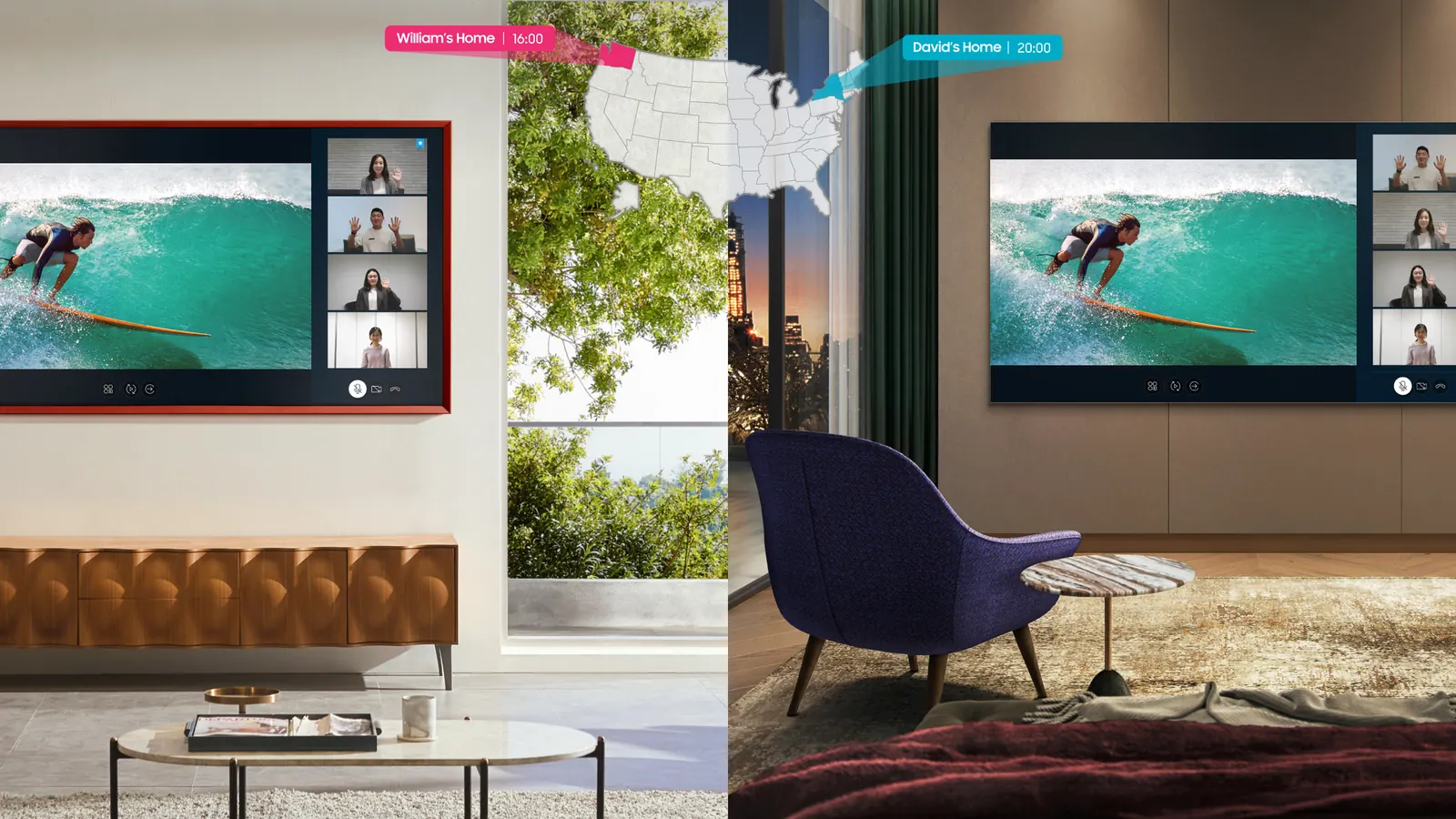
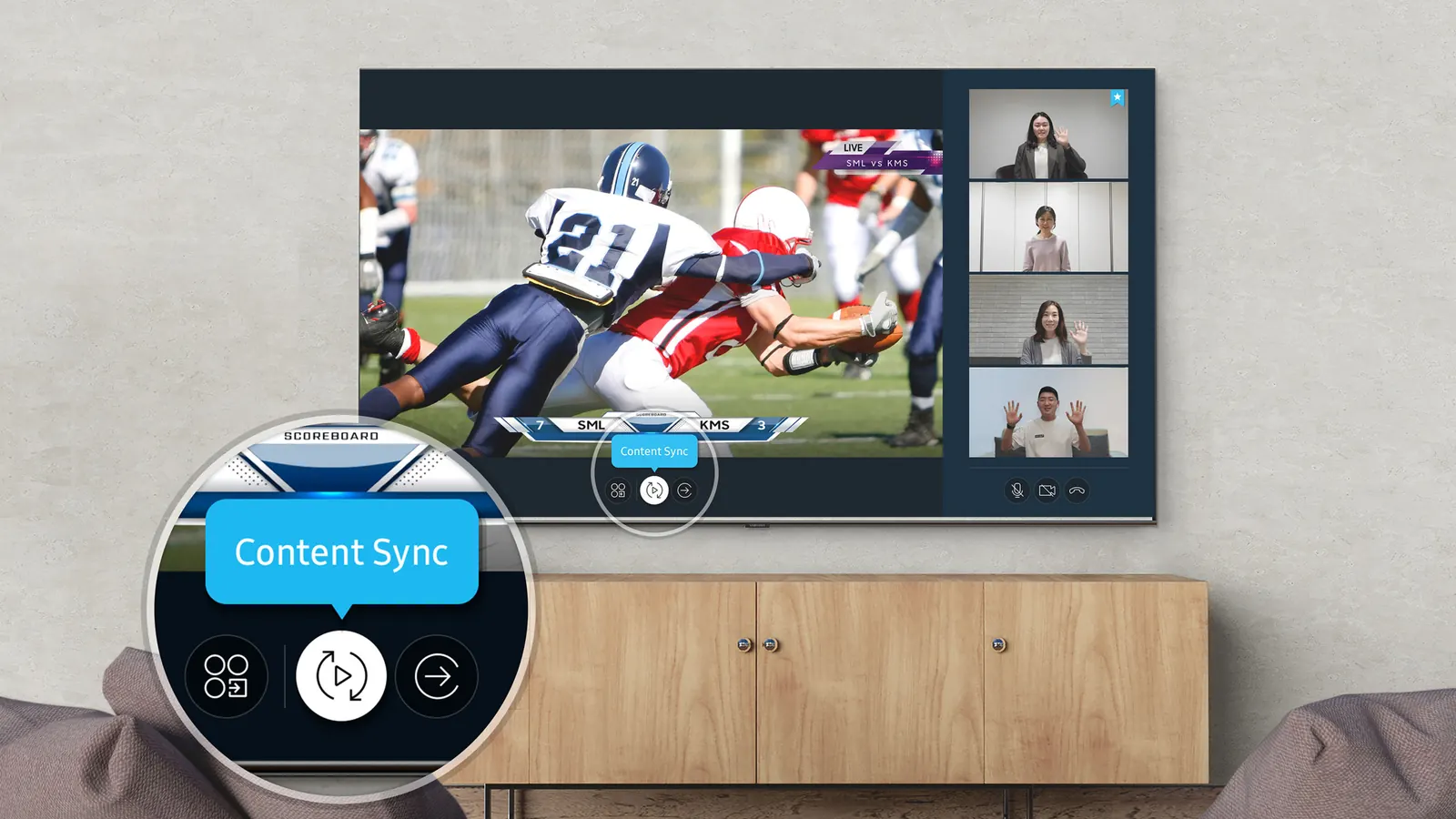
Samsung's shipped Multi View. Product imagery and footage: Samsung
Samsung's shipped Multi View: Content Sync
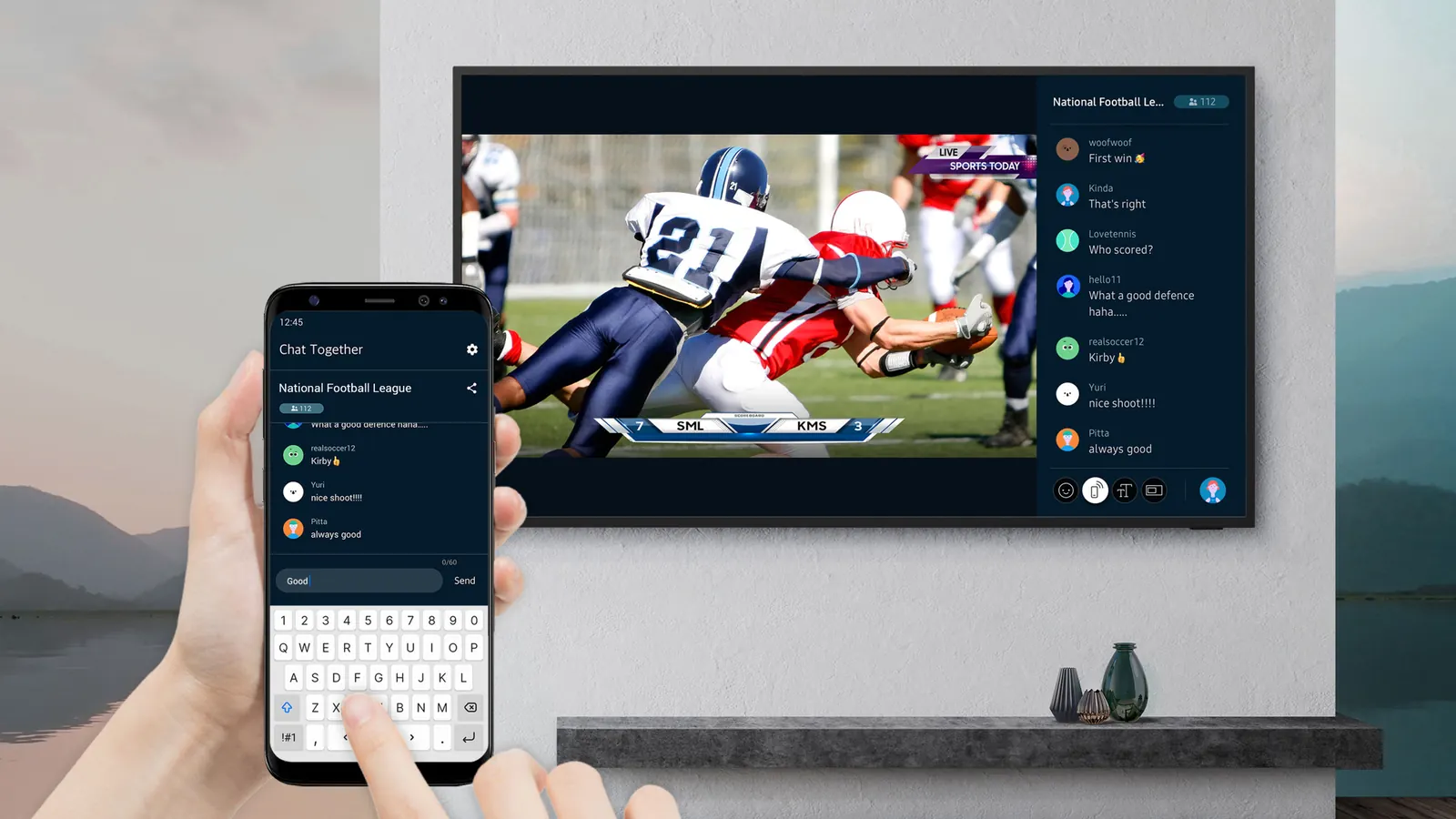
Product imagery: Samsung
Samsung's shipped Multi View: Chat Together
Samsung's shipped Multi View: video call beside the picture